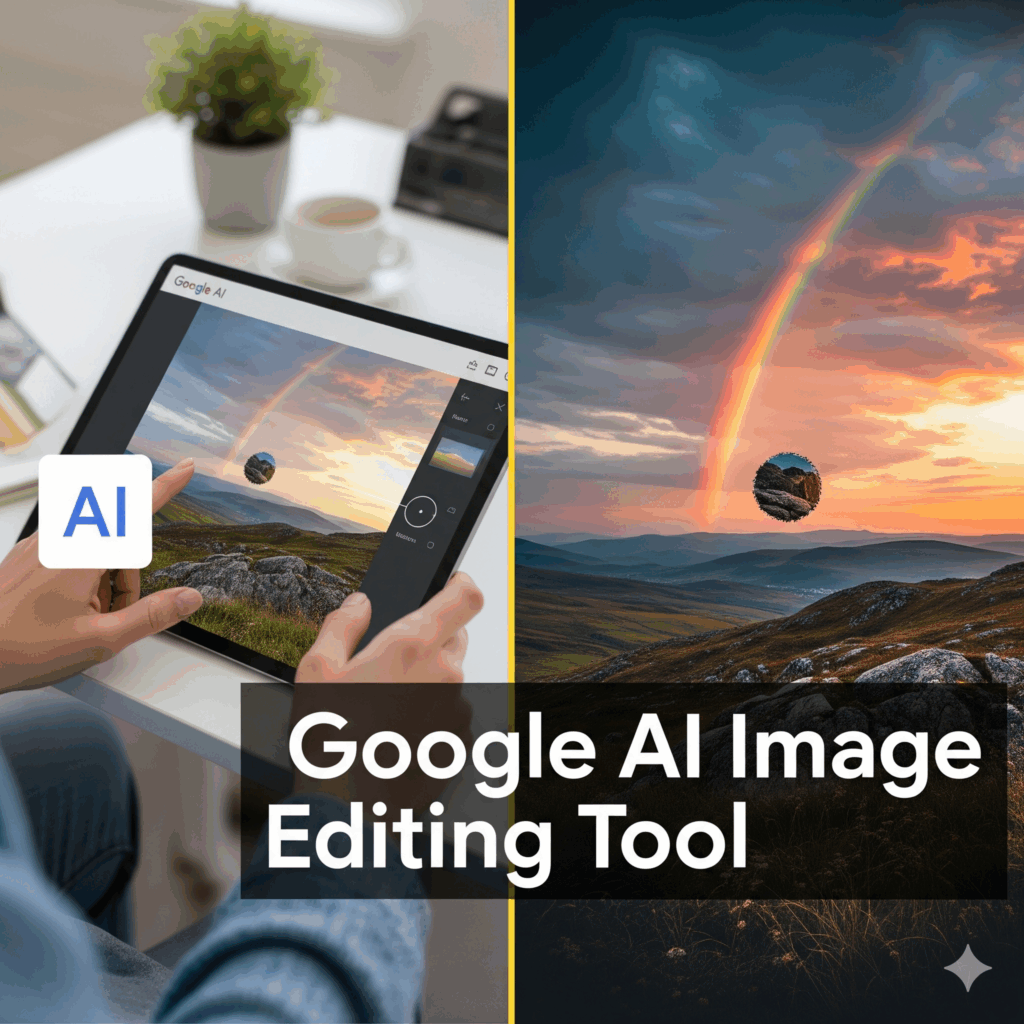
In the ever-evolving world of AI image tools, Google’s latest release—Nano Banana, officially known as Gemini 2.5 Flash Image—is making waves. From creative social media trends to serious concerns about image authenticity, here’s everything you need to know about this tool and why it matters.
What Is Nano Banana?
Nano Banana = Gemini 2.5 Flash Image, a new image generation & editing model from Google DeepMind. Google Developers Blog+2Tatler Asia+2
Launched around August 26, 2025, and integrated into Google’s Gemini app as well as AI Studio & other developer tools. Google Developers Blog+1
Designed to allow users to edit existing images (or combine multiple images), make realistic transformations via text prompts, maintain consistency of subjects’ appearance across edits, and more. Piktochart+3blog.google+3Tatler Asia+3
Key Features
Here are some of the standout features that have people excited:
| Feature | Description |
|---|---|
| Character / Subject Consistency | The tool keeps people, pets, or objects recognizable across edits. You can change background, outfit, pose, etc., and the subject still looks right. Piktochart+2blog.google+2 |
| Prompt-Based Editing | Using natural language, you can request edits such as “blur the background,” “remove a stain,” “change pose,” etc. No need for complicated manual masking or multi-step graphical editing. Tatler Asia+2Google Developers Blog+2 |
| Multi-Image Fusion | You can feed multiple images and combine them into one output—blend scenes, merge environments, or fuse elements from different photos. Google Developers Blog+1 |
| Speed & Workflow Efficiency | Compared to many tools, edits happen fast. Google emphasizes lower latency, smoother creative workflows. Piktochart+1 |
| Watermarking / Attribution | Every image edited or generated includes a visible watermark and also an invisible (digital) watermark—“SynthID”—to identify AI-generated or edited content. blog.google+2Fast Company+2 |
Why It Matters
Here are some of the implications—good and challenging:
Empowering More Creators: Because you don’t need advanced photo-editing skills, more people can generate high-quality images, visuals for social media, product mockups, or art. Piktochart+2Tatler Asia+2
Consistency and Brand Image: Businesses and content creators can maintain a consistent aesthetic—same look for products, brand assets, etc. Google Developers Blog+1
Speeding Up Design Work: Instead of multiple tools (Photoshop, etc.), many edits can now be done via prompts; design cycles can be faster. Google Developers Blog+2Piktochart+2
Concerns Over Trust & Authenticity: Because the edits are so seamless, Nano Banana raises concerns about deepfakes or manipulated images being passed off as real. Even for historical or news images. The watermarking helps, but trust is still an issue. Fast Company+2Tatler Asia+2
How to Use Nano Banana (Gemini 2.5 Flash Image)
Here’s a quick guide for someone wanting to try it out:
Get Access
Use the Gemini app, Google AI Studio, or via API/Vertex AI if you’re a developer. Google Developers Blog+1Pick Your Image(s)
You can start with an existing photo, or feed multiple images if you plan to combine elements.Write Prompts Clearly
Example prompts:“Change the background to a sunset beach.”
“Make the person wear traditional Indian clothes.”
“Blend this photo with another: me + my pet in a fantasy forest.”
Clarity helps; the model responds to natural-language instructions. Piktochart+1
Iterate & Refine
If the first edit isn’t perfect, try refining the prompt. Because the model keeps subject consistency, you can make adjustments without losing identity or starting from scratch. Google Developers Blog+1Mind the Copyright & Ethics
Be aware of how you use the outputs—ensure you have proper rights for images you feed in; be transparent when using edited / AI-generated visuals. The watermarking (visible + invisible) helps trace origin. Fast Company+1
Limitations / What It Doesn’t Do Perfectly
Some basic functions like cropping or certain detailed localized edits may still be less precise than manual editing in Photoshop. Fast Company+1
Occasionally edits may revert to original or not fully apply, especially if prompts are ambiguous.
Because AI models are trained on large datasets, biases, or errors can occur (e.g. in backgrounds, anatomy, or cultural representations).
Even with watermarking, detecting misuse or fake images is an ongoing challenge. Ethical use is key.
Conclusion
Nano Banana (Gemini 2.5 Flash Image) is more than just another AI image filter—it’s a powerful tool that bridges the gap between professional visual editing and accessible creative expression. For creators, marketers, social media users, and even enterprises, it offers new ways to produce, edit, and iterate visuals quickly. But with that power comes responsibility: being mindful about authenticity, ethical usage, and transparency will matter more than ever.